Voice message from a messenger
Use Share to send an already-recorded voice message to Voice Inbox, then read its local transcript.
Local-first voice note transcription
Send an existing recording to Voice Inbox, transcribe it on your device, and review the text in the app. Android also has a compact voice keyboard for short phrases. iOS has an active MVP for importing, previewing, batch transcribing, and reviewing recordings locally.
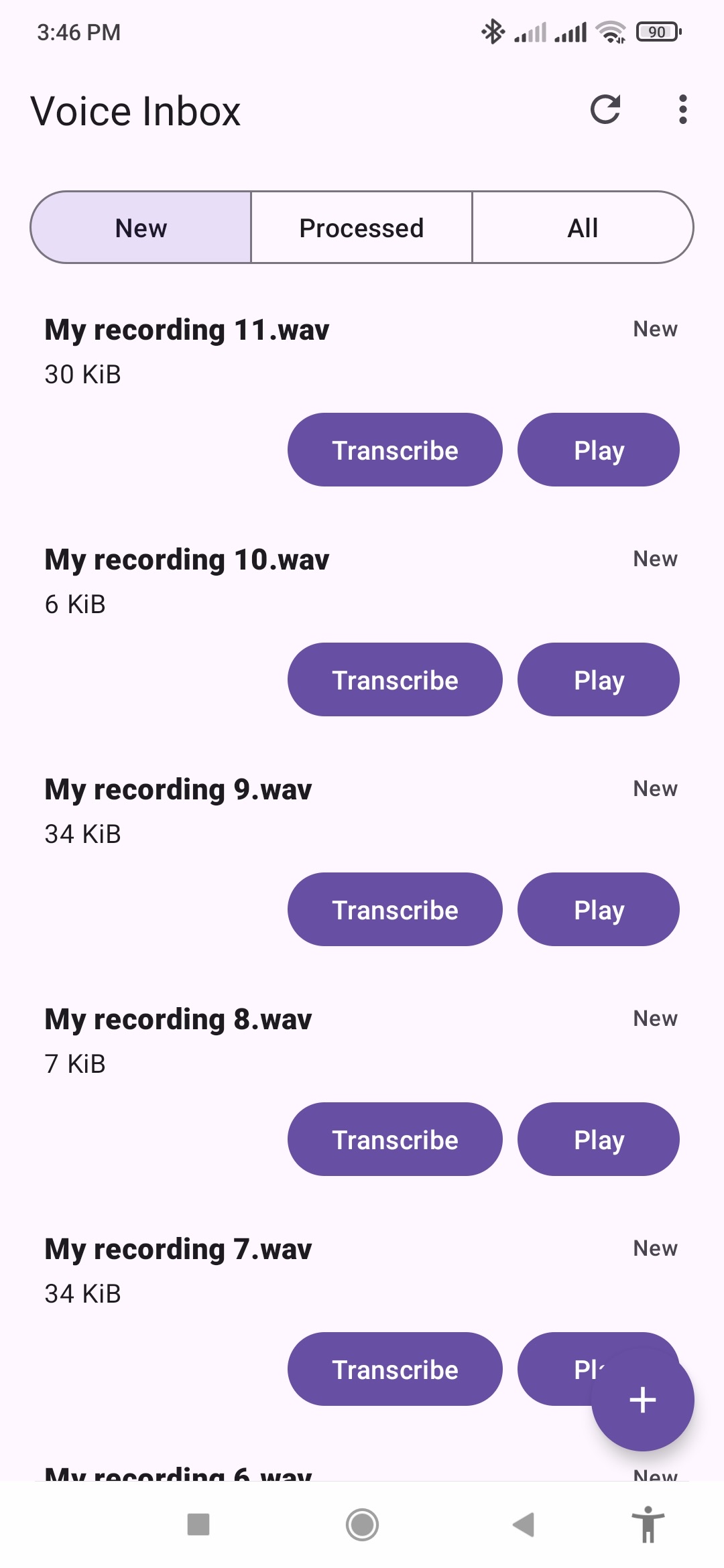
Android task list with non-sensitive demonstration recordings ready for local transcription.
Use cases
Use Share to send an already-recorded voice message to Voice Inbox, then read its local transcript.
Keep recording in the app you already use, then import or share the audio when you want text.
Preview a recording, transcribe one file or a batch, and review the result before choosing an export.
Select one folder and let Voice Inbox find new or changed audio files for an optional repeatable workflow.
Switch to the Voice Inbox keyboard and dictate a short phrase directly into an active text field.
Platform status
Import or receive recordings, scan an optional folder, preview tasks, transcribe one file or a batch, retry failures, schedule best-effort background runs, or dictate a short phrase with the Android-only voice keyboard.
Use app-local, Share Extension, or selected-folder import; preview audio; batch transcribe; review transcripts; append output; and choose startup processing behavior. Scheduled or background transcription is not supported on iOS.
Catalog and transcription use cases are moving into shared code so Android and iOS can converge without hiding platform-specific storage and background limitations.
What it does
Import or share individual recordings, or optionally select one folder and process only files that are new or changed.
Download the model or install it from a compatible local folder. After installation, recognition runs on device instead of sending audio to an app cloud service.
Read each transcript in Voice Inbox. Optionally create or choose a .md or .txt document and append successful notes without replacing earlier content.
Play audio files from the list before deciding to transcribe them.
On Android, optionally ask the app to run scheduled transcription around your chosen time. Exact execution is not guaranteed.
Processed and failed files stay visible with their latest transcript or error, and failed files can be retried individually.
Record a short phrase in a compact Android input method and insert the locally recognized result into the active editable field. It is not a full typing keyboard and is not available on iOS.
Read the keyboard guide →Current product workflows
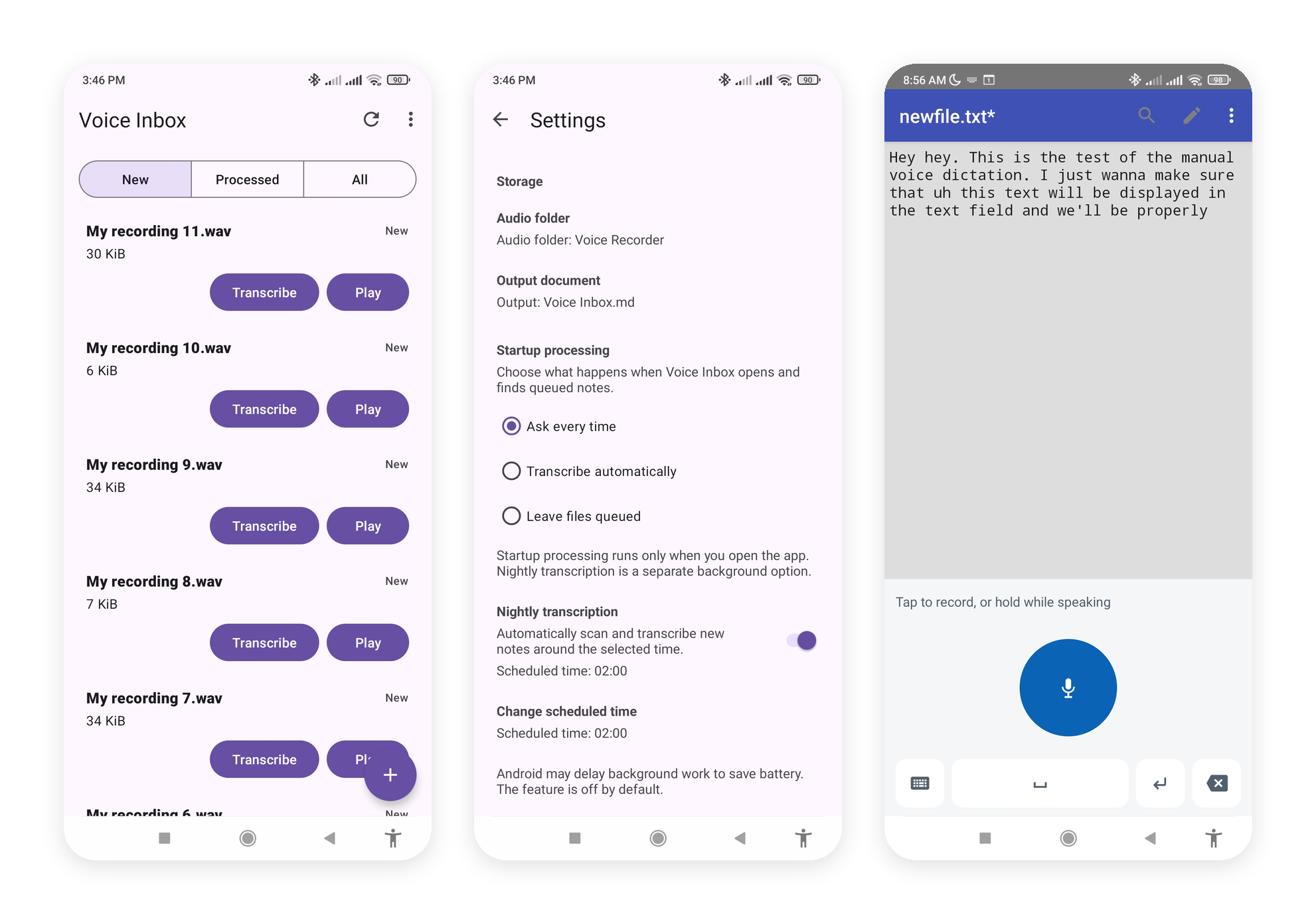
Workflow
Download and verify the model, or install it from a compatible local folder.
Import a file, send one through Share, or optionally select an audio folder.
Preview the recording if needed, then read the recognized text in Voice Inbox.
Optionally append transcripts to a Markdown or text document, choose startup behavior, or enable Android scheduling.
Requirements
Android requires Android 7.0 (API 24) or later on an ARM64 device. Both Android and the iOS MVP need network access for the first model download and enough free storage for model installation.