Model once, local recognition after
Download a compatible speech model, then recognize supported audio on the device instead of sending it to an app cloud transcription service.
About Voice Inbox
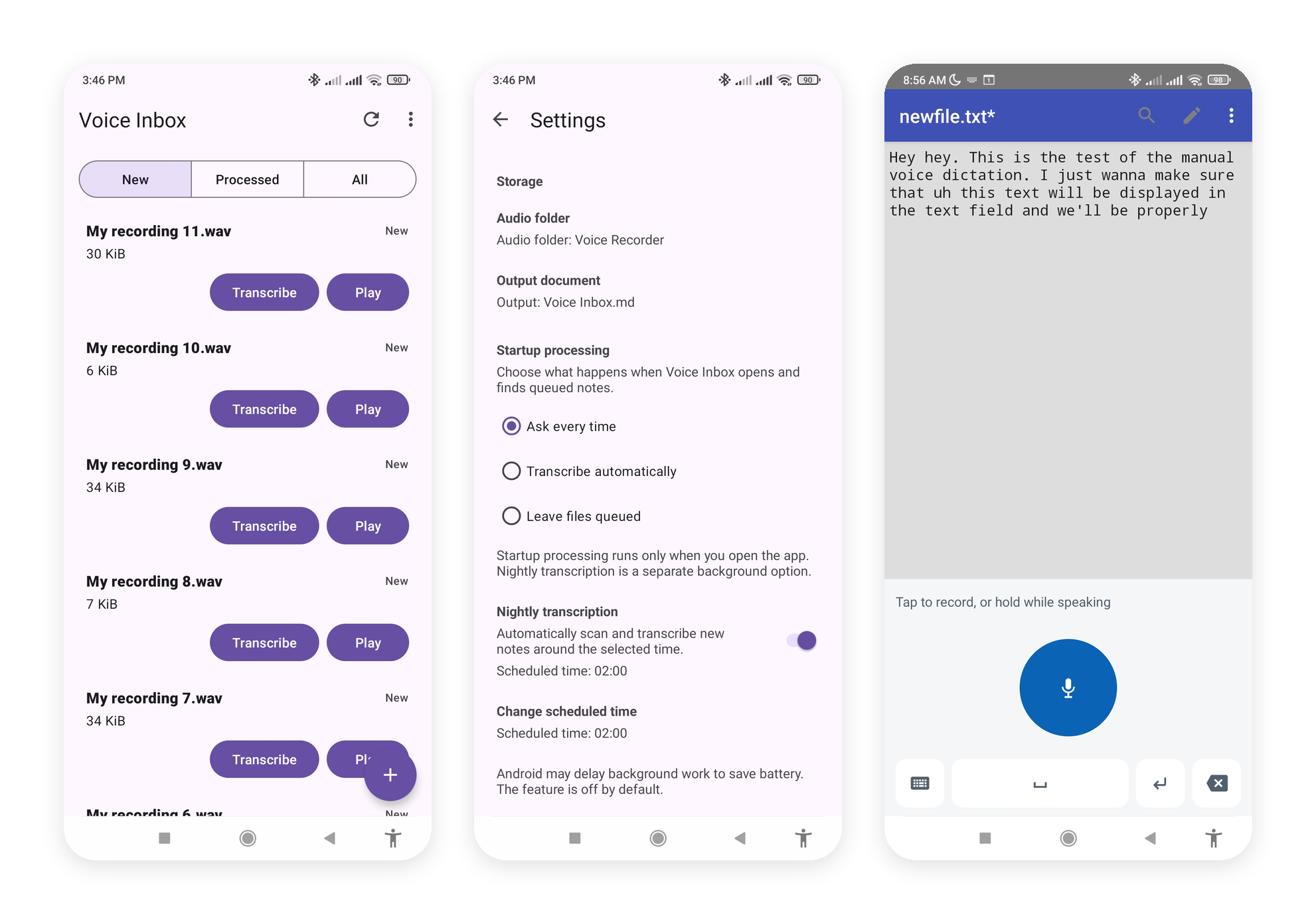
Voice Inbox is for the moment after a voice message, recorder note, meeting, or interview already exists. Send or import the audio, run recognition on your device, and review a readable transcript in the app.
It does not replace your recorder, messenger, or note editor. It gives existing audio a local text workflow, with optional export when a Markdown or plain-text document helps you stay organized.
Local-first
Download a compatible speech model, then recognize supported audio on the device instead of sending it to an app cloud transcription service.
Import a recording or use Share from another app. Voice Inbox receives the audio; it is not a general-purpose voice-note recorder.
Read a transcript in Voice Inbox, then optionally append successful results to a Markdown or plain-text document.
Two workflows
Import or receive an audio file, preview it, transcribe one item or a batch, and review the resulting text. Folder workflows and scheduling are optional Android enhancements.
Explore recording setupUse a compact Android input method to dictate one short phrase and insert its locally recognized result into the active editable field.
Explore the keyboard guideAndroid is currently distributed through Google Play closed testing. iOS is an active source-built MVP for foreground import and transcription workflows; it does not yet match Android automation or include the Android voice keyboard.